
Summary Overview
The best way to organize photos is to group digital files into structured year/event folders, back up to cloud storage, use AI noise reduction to fix grainy photos, adjust exposure highlights for overexposed shots, and print museum-grade acrylic or leather wedding photo albums.
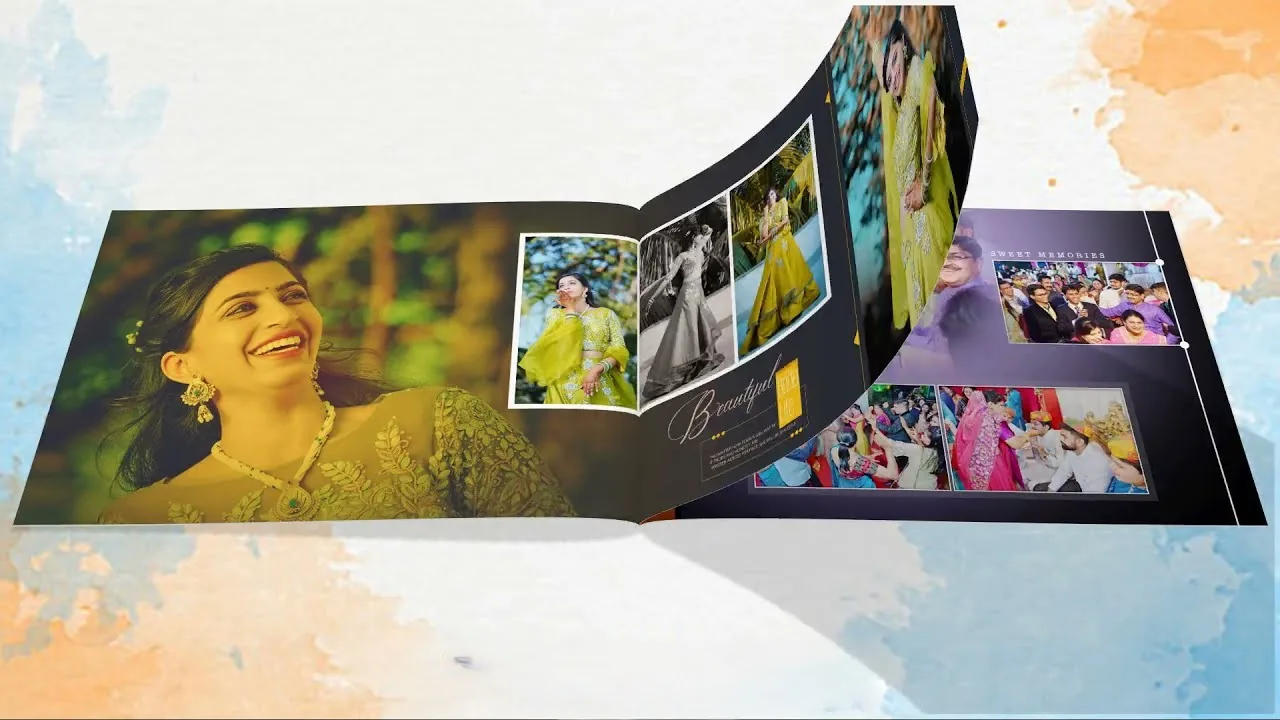
In the digital age, thousands of precious family memories sit scattered across mobile phones, hard drives, and cloud accounts. Learning how to organize, edit, and preserve your photographs ensures your legacy endures for generations.
1. The Best Way to Organize Digital Photos
Follow this streamlined 3-step organization system to keep your digital library clean and searchable:
2. How to Edit & Fix Common Photo Mistakes
3. Photo Scanning Services for Old Printed Memories
Preserve vintage family photographs, heritage wedding pictures, and historical black-and-white prints by sending them to professional photo scanning services or scanning them at 600+ DPI on a flatbed scanner.
4. Designing Archival Leather & Acrylic Wedding Photo Albums
Turn digital files into tangible heirlooms. Choose high-density lay-flat paper, UV-protected anti-scratch coating, and genuine Italian leather or glass acrylic covers for custom 4x6, 8x10, or 12x18 inch photo albums.
When planning your photoshoot or booking wedding coverage with Javed Studio, our team provides full end-to-end guidance—from outfit consultation to 4K cinematic editing. Explore our verified client reviews or view our photography services to learn more.

Javed Iqbal
Founder & Master Photographer at Javed Studio with 25+ years experience capturing luxury weddings, newborn portraits, and commercial films across Pakistan, US, and international destinations.
Planning a Wedding or Photoshoot?
Book your photoshoot studio session, groom sherwani photoshoot, or wedding event with Javed Studio.
